Your network, club by club.
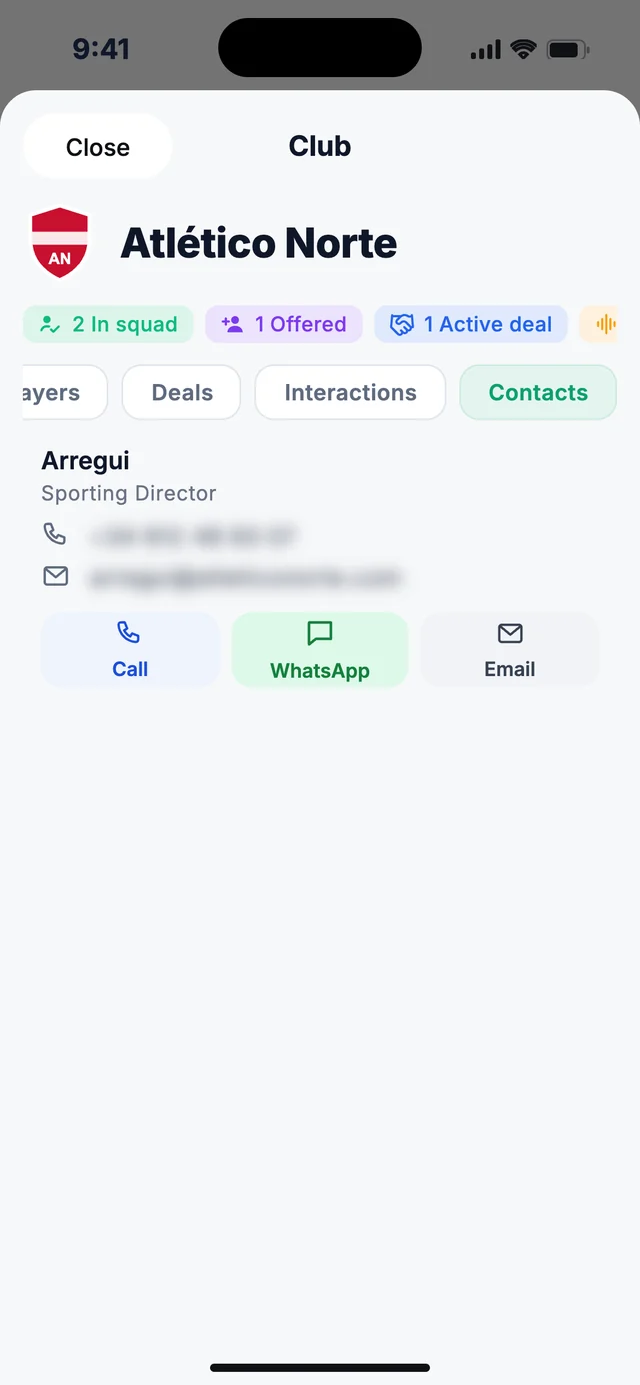
Your players in their squad, the ones you've offered them, your deals, everything you've discussed and their people. Every club, in one profile.
By invitation · Limited spots · No commitment · Confidential
- Any club in any league
- Your players in squad and offered
- Your deals active with each club
- Their people with call and WhatsApp
Everything you have with a club, in one place.
-
01
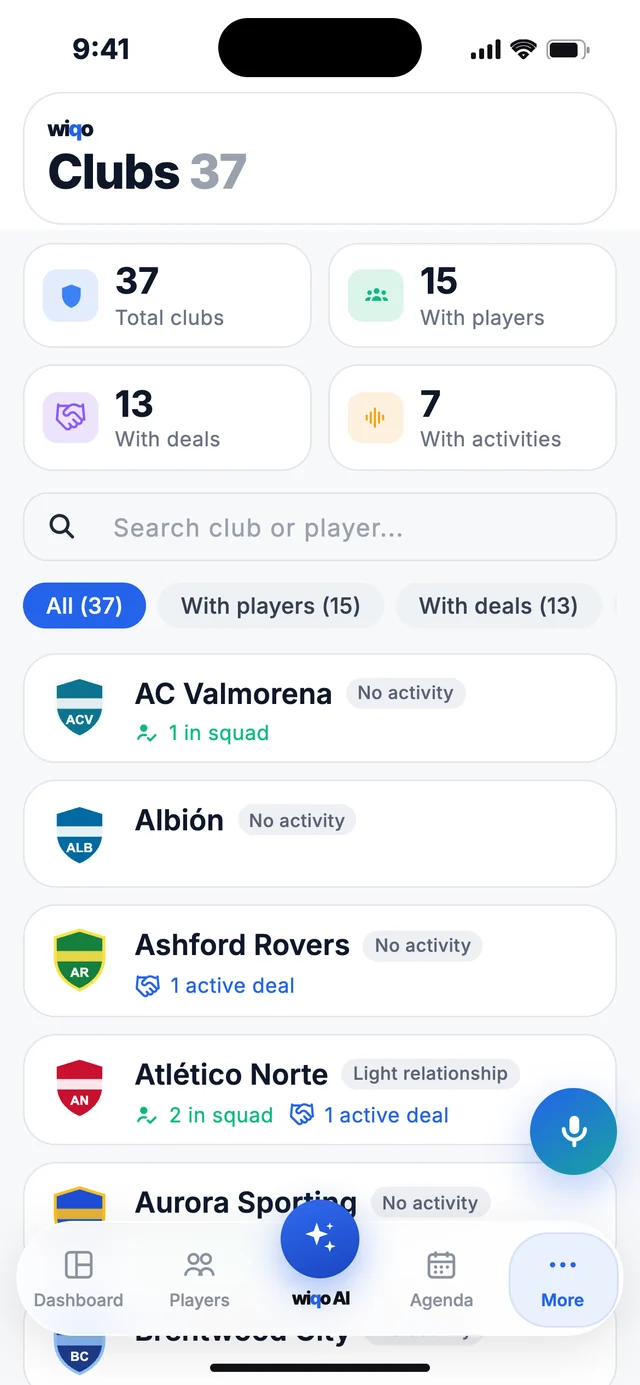
Your network at a glance
How many clubs you have, and how many with players, deals or activity.
-
02
Every club, with what you have with it
Your players in their squad, your open deals and how your relationship with the club is going.
-
03
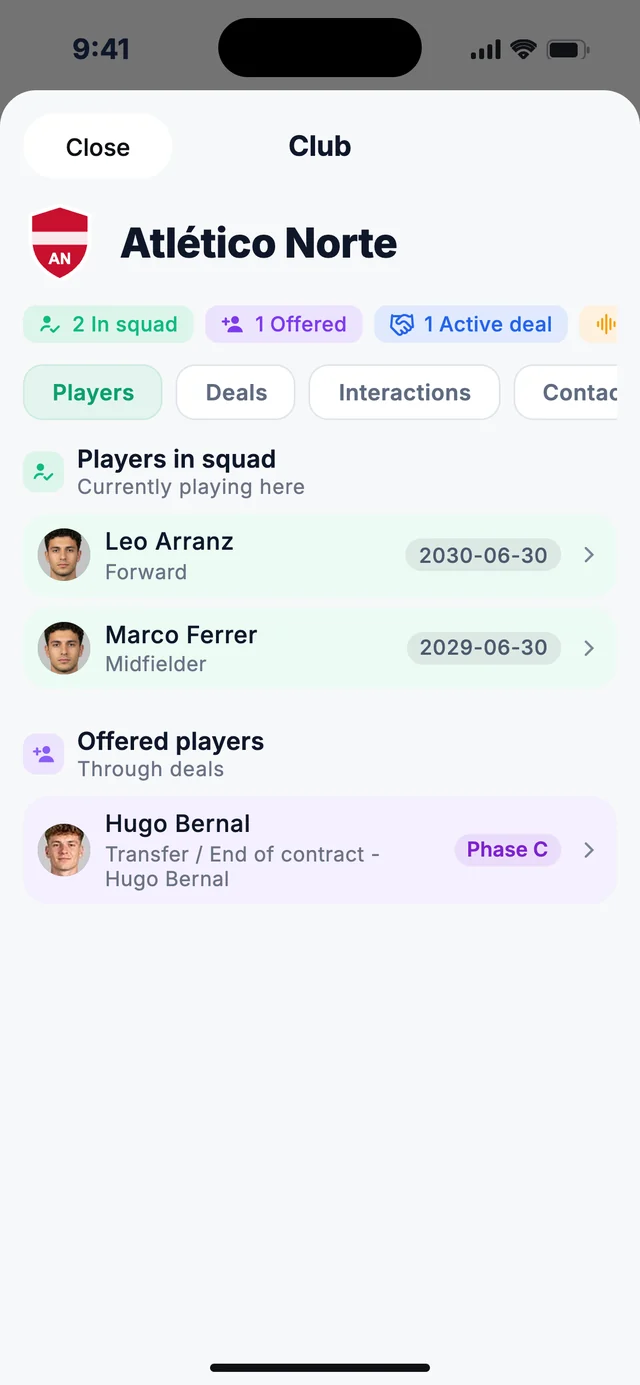
The summary, up top
Players in squad, offered players and active deals, in one line.
-
04
Their players and the ones you offer
Yours who play there, with their contract end, and the ones you've offered through your deals.
-
05
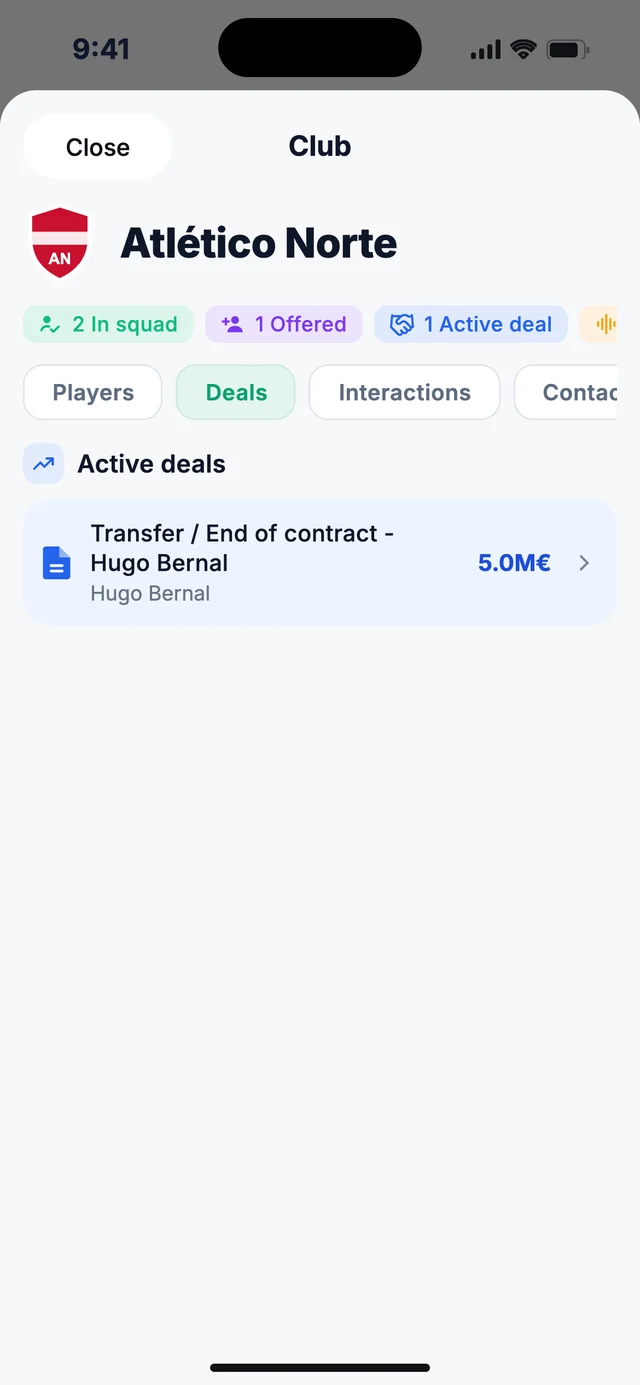
Your deals with the club
The ones you have open, with the player and the value.
-
06
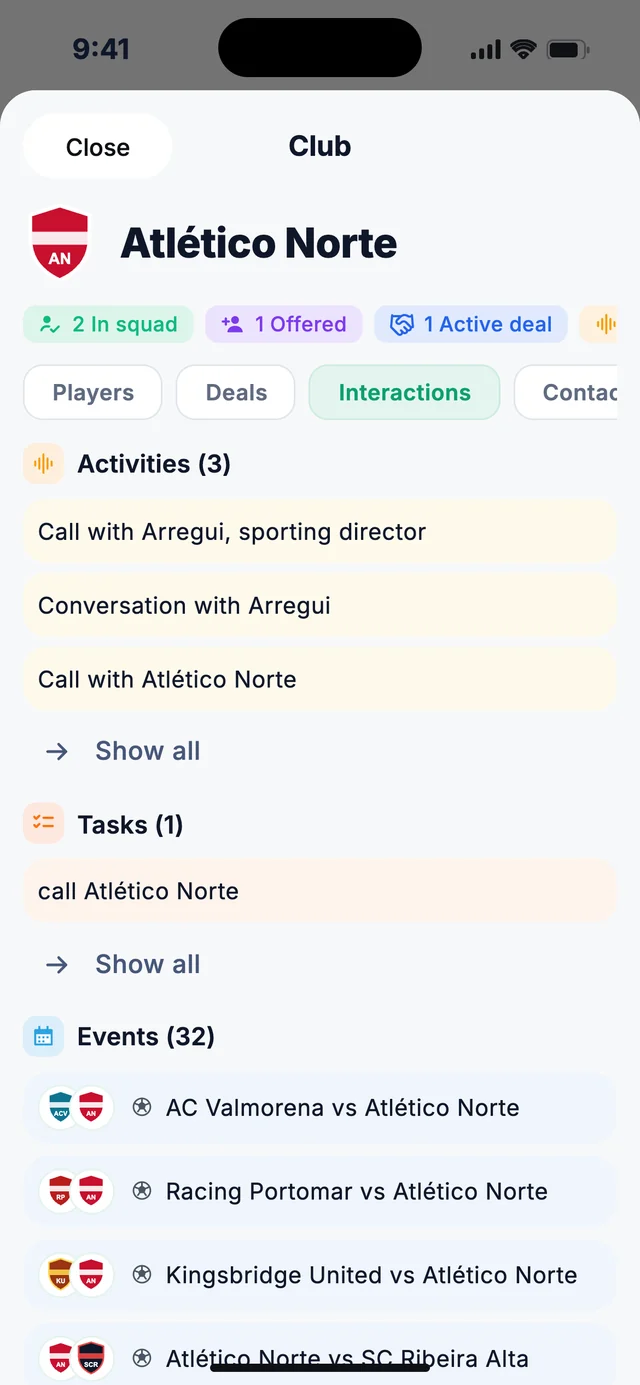
Everything you've discussed
Activities, tasks and events with the club, including their matches.
-
07
Their people, one tap away
The sporting director and the club's other contacts, with call, WhatsApp or email.
Your relationship with every club, effortlessly.
Your network, organised.
Search by club or player and filter the ones with players, deals or activity.
With a player or a deal.
A club joins your list as soon as you have something with it.
Light or strong.
Based on the activities you have with the club.
Links, never invents.
What you say is linked to the clubs you already have.
Each club's people.
Sporting directors and others, with their role.
Their matches, in their profile.
Next to your activities and tasks with the club.
What people ask most about clubs.
How do I add a club?
It appears on its own as soon as you have a player in its squad or a deal with it. You can also create one when adding a to-do, an event or a contact.
What are offered players?
The players you've offered to that club through your deals.
What does a light or strong relationship mean?
It depends on the activities you have with the club: no activity, light relationship or strong relationship.
Where do I add a club's contacts?
In Calendar, under Contacts, choosing the Club type.
Can I delete clubs?
No. A club is on your list because you have something with it, so it stays.
Improve your quality of life.
Multiply your deals.
Access is by invitation. Leave us your details and we'll let you know.
Request accessBy invitation · Limited spots · No commitment · Confidential